

Desktop
Groundwork's desktop apps, built with Electrobun around the same web components as the web apps.
Desktop apps are built with Electrobun. A Bun main process opens the window and owns anything native, such as the tray, menus and the connection to a backend. The window shows a view built from the same web components and theme CSS as every web app, so there’s one set of components for the browser and the desktop.
Why Electrobun
It runs on Linux, macOS and Windows, keeps apps in TypeScript on Bun, and uses each system’s own webview rather than shipping a browser:
| System | Webview |
|---|---|
| Linux | WebKitGTK 4.1 |
| macOS 14 or later | WKWebView |
| Windows | WebView2 |
That keeps an app small and light on memory. The cost is three engines to test against, and WebKitGTK lags the other two. An app that needs one engine everywhere can set bundleCEF for its platforms and ship Chromium instead, at the memory cost that comes with it.
Qt Quick, Wails, Slint, Tauri and Electron were compared against it in #41. Omarchy panels stay on QML, with Themes.qml and the shared panel components.
Demo
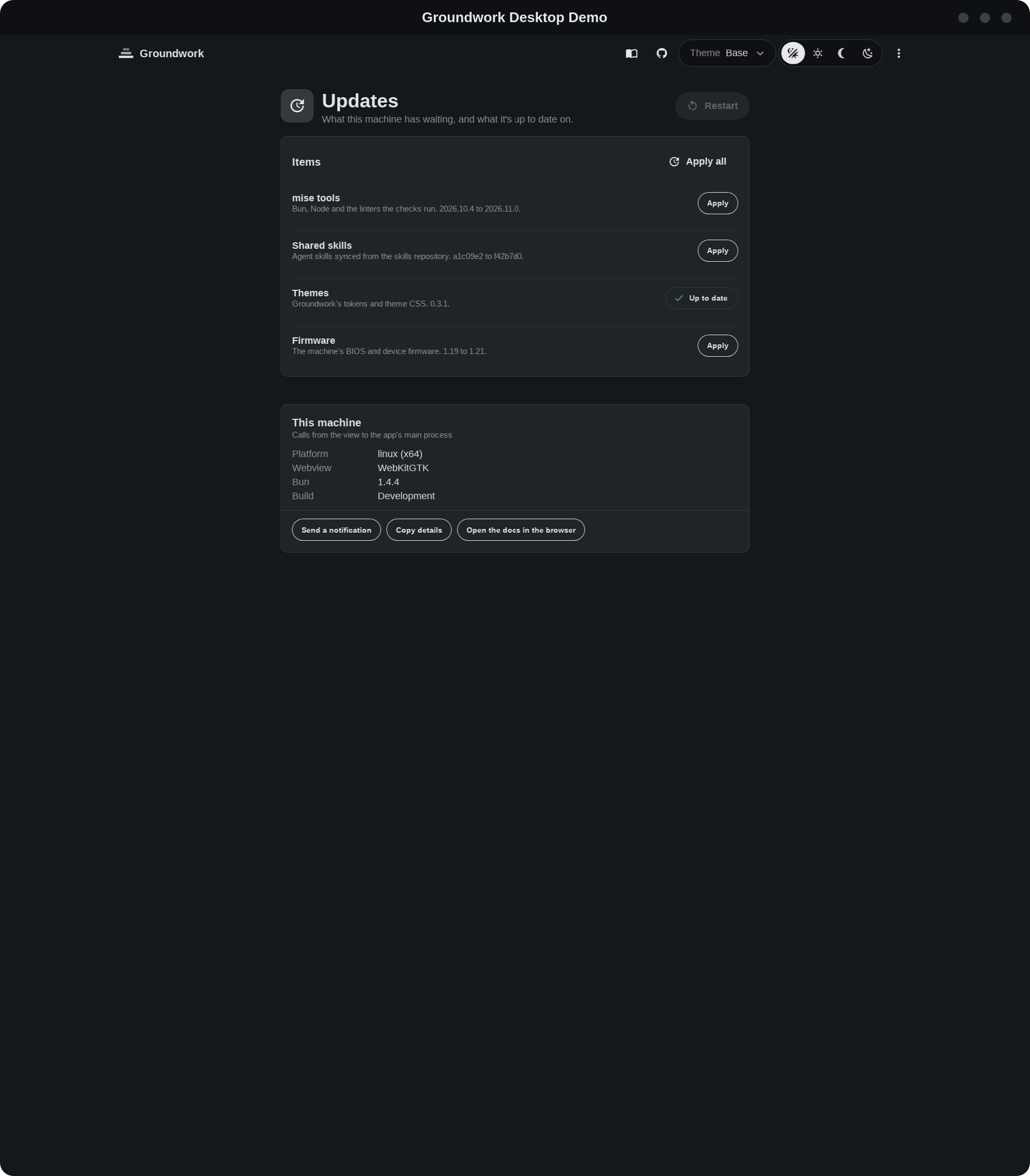
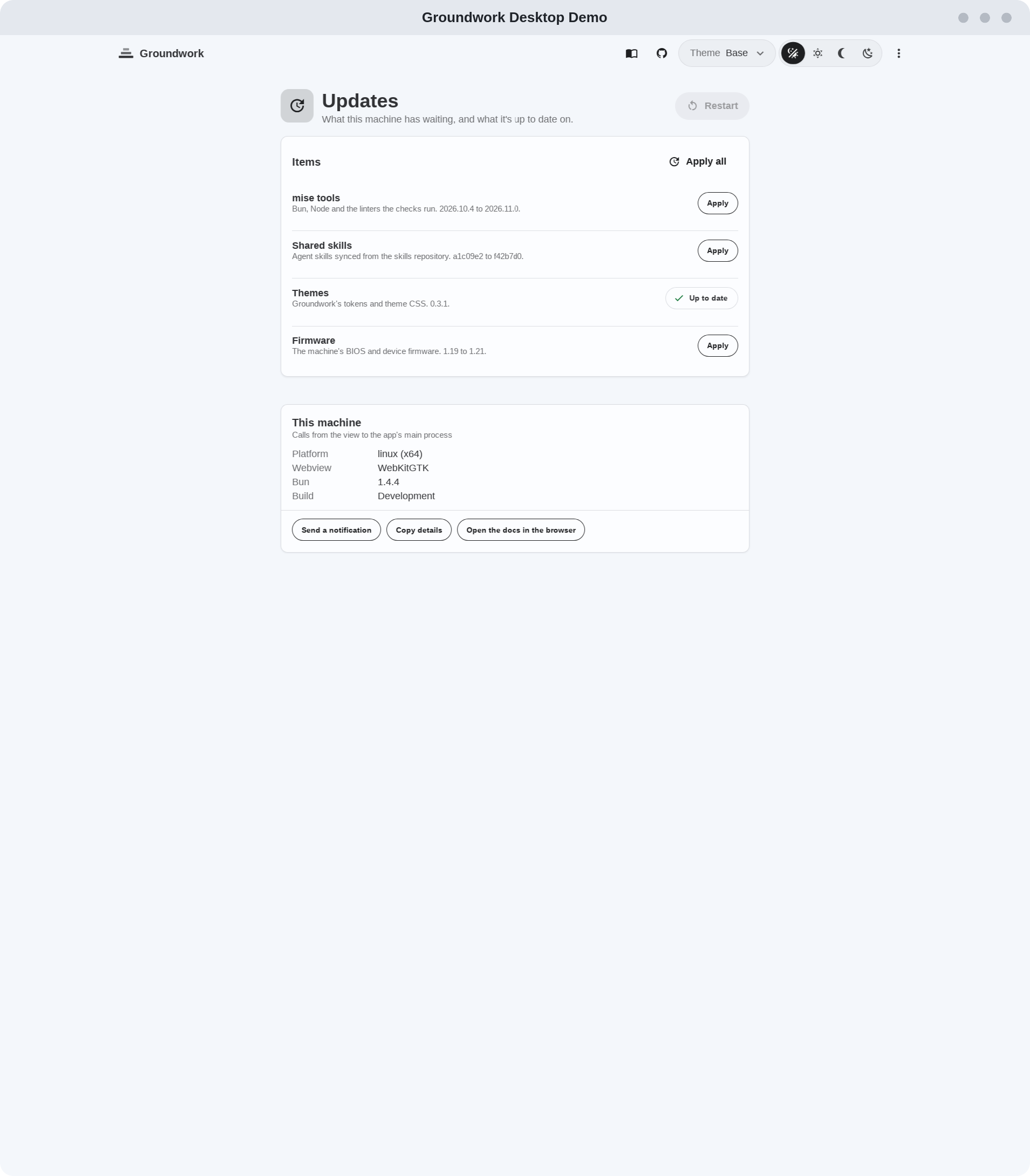
The desktop demo runs gw-demo-app from @timmo001/groundwork-demo/web, the same element as the web demo, on the shared Items service:
mise run demo:desktopBeside the demo, a “This machine” card calls the main process: what the app runs on, copying to the clipboard, a notice and a link out to the browser. The window has the browser defaults from @timmo001/groundwork-desktop, such as find, zoom, a right-click menu and a tray icon.
Building apps covers the template it runs from and every default.